Android
Android 7.0+ · ARM64 / x86_64
v1.4.0Stable release52 MB
 RITVIO
A free, open-source player for the songs you come back to—and the ones you haven’t found yet.
Your own library. Lyrics worth keeping.
A little more room for listening.
No RITVIO account. No subscription.
Android 7.0+ · ARM64 / x86_64
v1.4.0Stable release52 MB
Windows 10 / 11 · x64
v1.0.0Stable release157 MB
Extract once, then open RITVIO.exe. Keep the extracted files together.
Self-extracting EXEUnpacks on every launch. The installer or ZIP is better for everyday listening.
All Windows files, sources and checksumsAlready listening? Install over your current official app to keep your library. Don’t uninstall first.
Public links verified on .
One name. Two interfaces, each made for the way you listen.
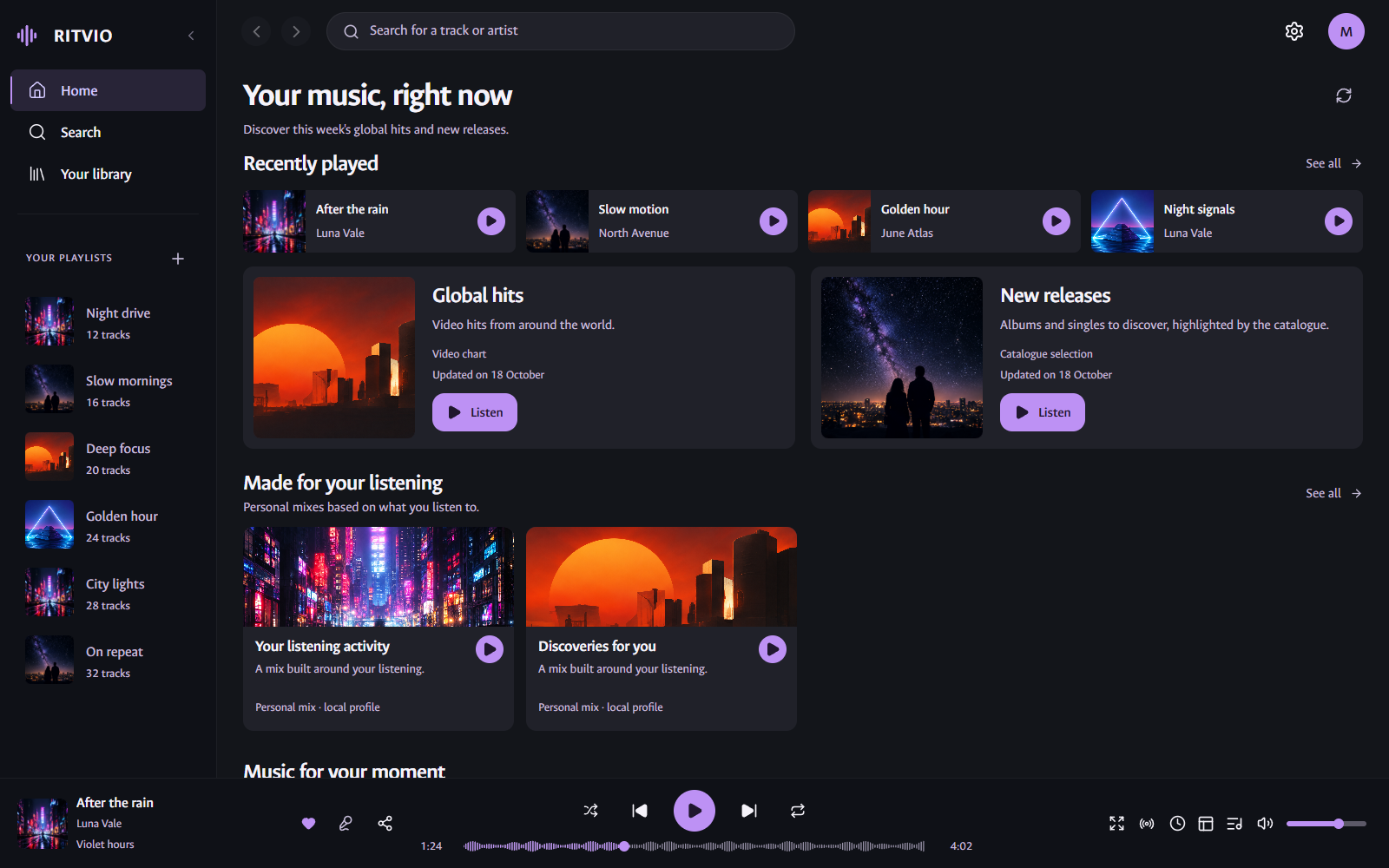
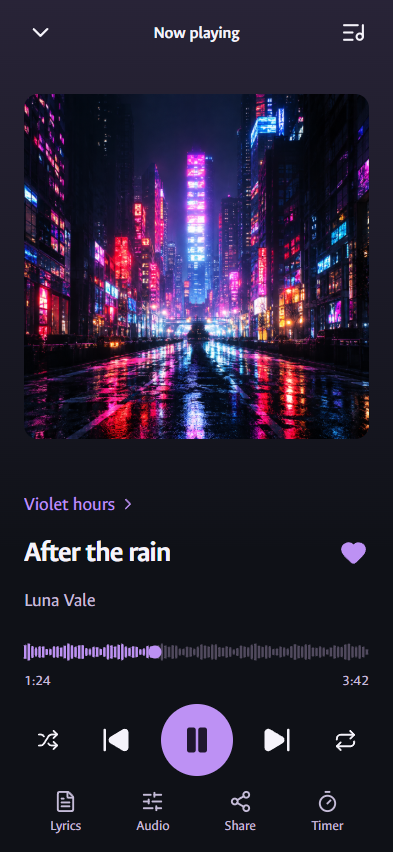
English app interfaces with demo music. Browser captures of the actual UI, not device photos. Your music uses its real catalogue artwork.
Keep favourites close, follow a lyric, or find what plays next. The everyday things, with a little more care.
Liked tracks, personal playlists, followed artists and albums. A library kept on your device, ready for your next listening session.
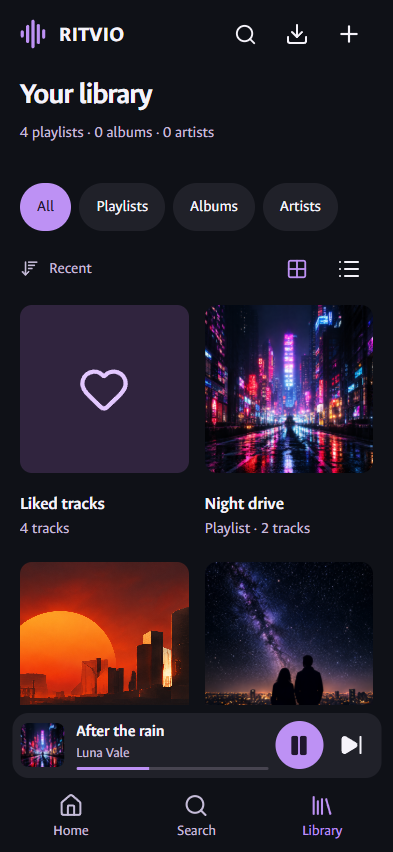
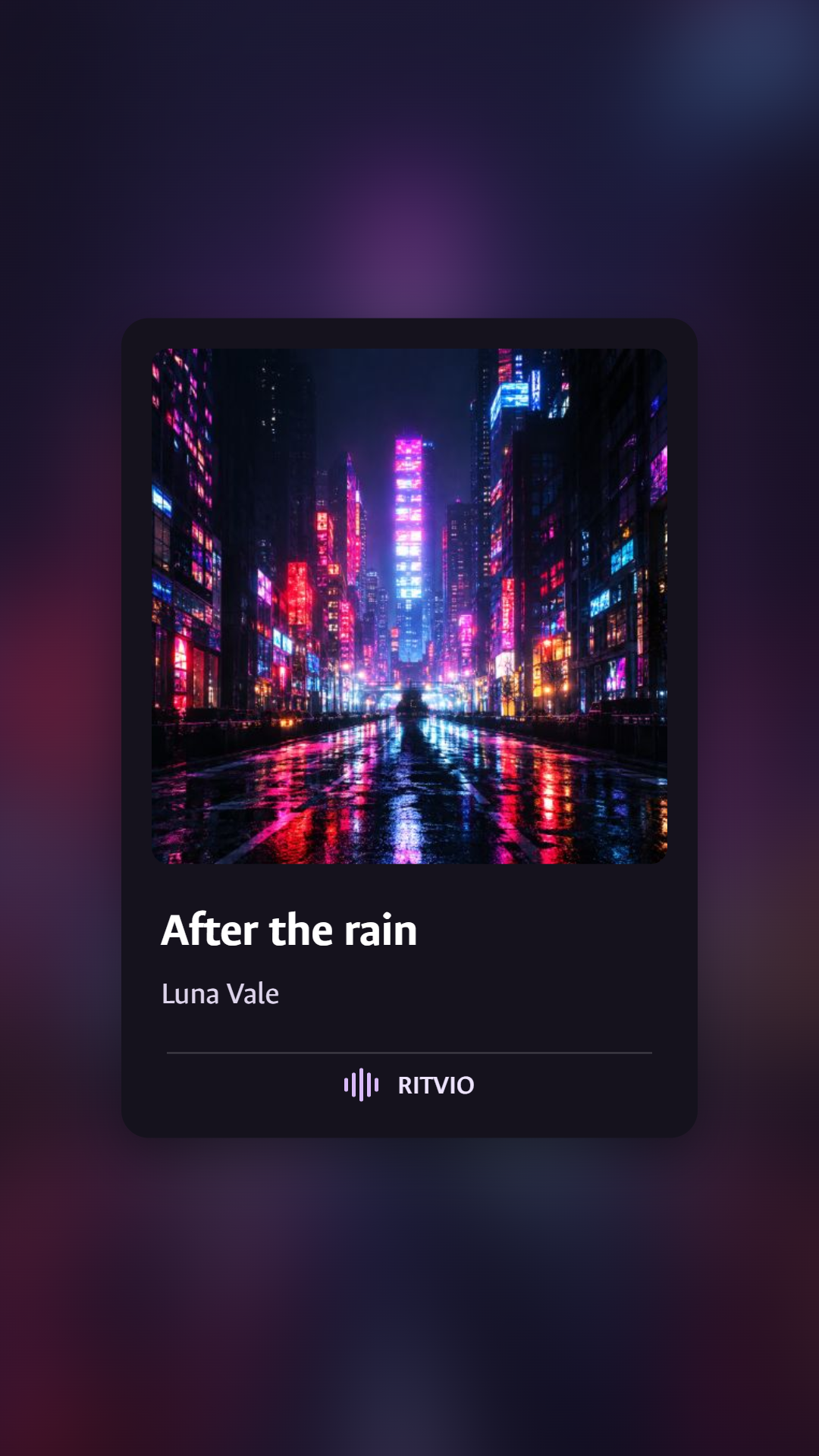
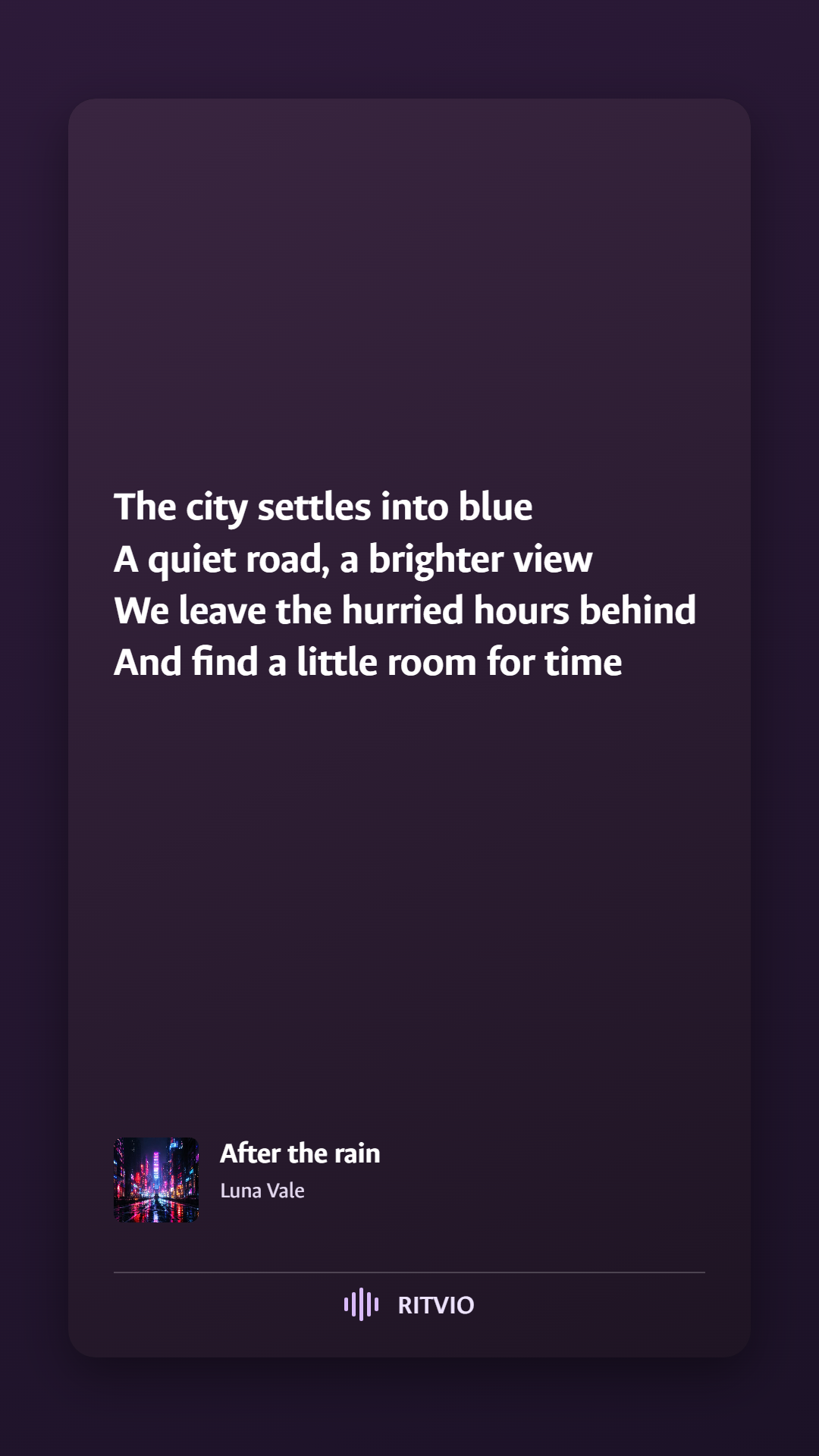
No developer tools, API keys or RITVIO account needed to use the packaged apps.
Choose your downloadDownload the official APK above and open it. Android may ask you to allow installation from your browser. Updates to the official app should be installed over it, without uninstalling, to keep your library.
Android release notes and checksumsThe installer is the simplest everyday choice. The portable ZIP works after one extraction; open RITVIO.exe with its adjacent files in place. The self-extracting EXE unpacks each time and may start more slowly.
Windows packages are not Authenticode-signed, so SmartScreen may show a warning. Read the official release notes before continuing.
The release channel is shown beside each download. Read the notes for the tested scope, update instructions and known limitations.
Older packages remain available in the release archive.
Your library stays on the device where you create it. Windows and Android libraries are separate. You can exchange supported playlist files; hosted accounts and automatic cloud sync are not available.
Catalogue and playback depend on unofficial YouTube / YouTube Music resolvers. Lyrics come from LRCLIB when a match is available. External services can change, fail or limit requests; RITVIO is not affiliated with them.
The app’s GPLv3 licence does not grant rights to music, lyrics or artwork. See sources and attribution for details.
This page adds no advertising or analytics trackers. Checking releases and downloading files contact GitHub. Hosting providers may keep technical access logs. Platform recommendations are made locally in your browser.
Read the privacy informationFound a favourite feature, or something that needs work?
There’s a place for both.
Enjoying the app? You can help support its development.
Donations are optional and do not unlock features.